Chipmunks Dance Trend AI Video Maker
Put yourself, your friends or even your pet into the Chipmunks Dance trend. Upload one to three photos, let our preset dancers fill any empty spot, and get a 25-second vertical clip with the same moves and the same low phone angle.
Create your video
1Your dancers (up to 3 photos)
Left
Center
Right
Upload from 1 to 3 photos. Any spot you leave empty is filled by one of our preset dancers — you can choose who under Advanced.
One person or one pet per photo, facing the camera, face clearly visible. Full-body photos work best; for selfies keep the full-body reference on under Advanced. Avoid sunglasses, masks and heavy filters.
Add at least one photo to continue.
Made by us with AI-generated, fictional people
Every video: 25 seconds · vertical 9:16 · MP4 download · AI ambient sound only, add your song when you post
Original clips belong to their creators and play with their own sound. Our AI videos come with AI-generated ambient sound only.
The catch
Filming the Chipmunks Dance trend is harder than it looks
You need two more dancers
The routine is built for three. Getting everyone free, in the same place and in the mood at the same time is the hardest part.
The phone has to sit on the floor
The look depends on a phone propped on the ground and every run-up landing in frame, so most takes cut off a head or a foot.
25 seconds without a slip
Run-ups, spins, a jump and a final line-up: one person late on a single move and the whole take starts over.
Side by side
Filming it yourself vs. using Chipmunks Dance Video
| Filming it yourself | With Chipmunks Dance Video |
|---|---|
| Gather three people at the same time | Upload 1 to 3 photos, preset dancers fill the rest |
| Find a court or gym and wait for golden hour | Pick one of three backgrounds or upload your own |
| Learn the routine and retake until it lines up | Moves and timing follow the original clip |
| Write prompts or edit on your phone | No prompt, download a finished MP4 |
How it works
How to make a Chipmunks Dance AI video in 3 steps
- 1
Upload 1 to 3 photos
People or pets, one per photo, for the left, center and right spot. Leave a spot empty and a preset dancer takes it. No sign-up needed.
- 2
Pick a background and pay once
Keep the court at sunset or choose another background under Advanced. Each video is 25 seconds; buy 1, 3 or 5 videos, and a failed render goes back to your balance automatically.
- 3
Download and add your song
The render finishes in a few minutes. The MP4 has AI ambient sound only, so add the trending sound in TikTok, Reels or Shorts when you post.
Made with Chipmunks Dance Video
Three photos in, one dance clip out
These three dancers are fictional people we created with AI. Each photo became a full-body reference, then the trio was animated with the moves and camera angle of the original trend on our court-at-sunset background.
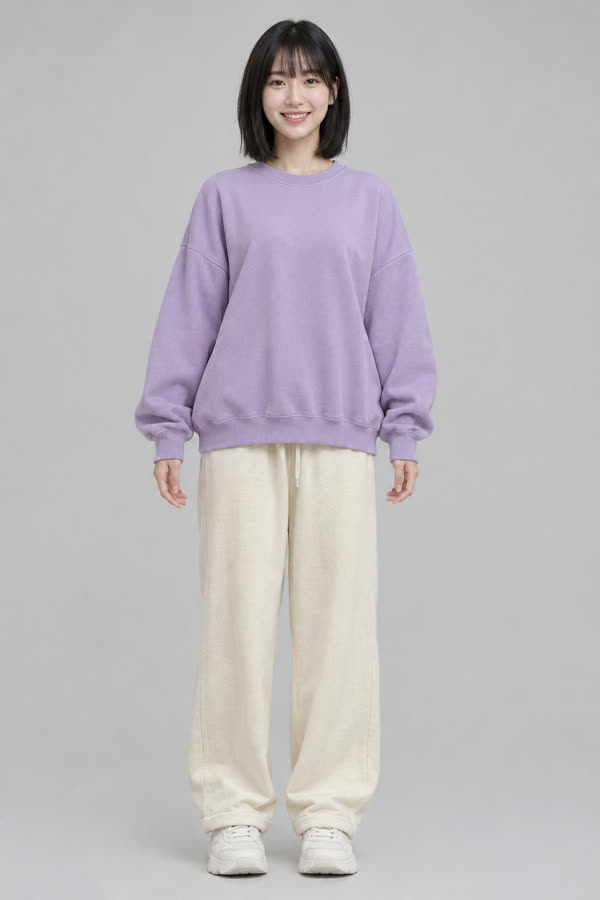
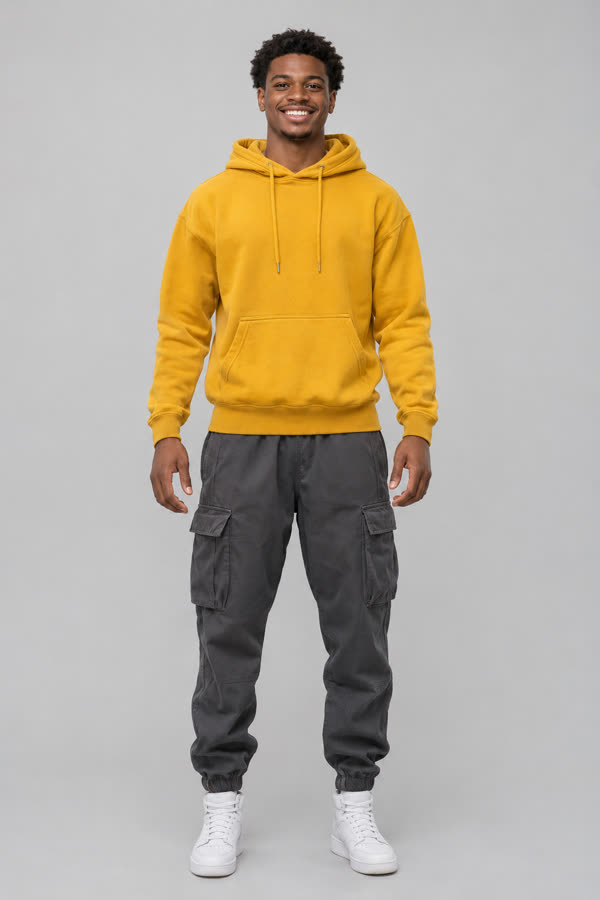
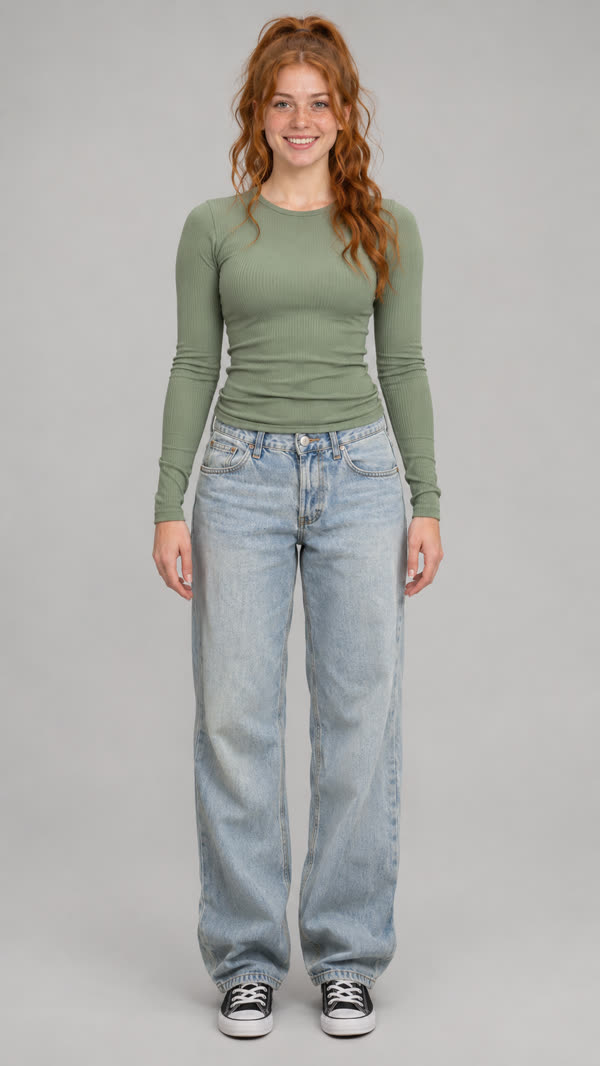
Generated clip
About the trend
What is the Chipmunks Dance trend?
The Chipmunks Dance trend is a TikTok format where three people line up in front of a phone propped on the ground and dance to a sped-up, chipmunk-voiced version of “You Spin Me Round (Like a Record)”. One by one they rush up to the lens, spin, flip their hair and jump, then finish side by side for the last beat. Siblings, roommates and friend groups post it, often in matching trio outfits, which is why many people call it the Alvin and the Chipmunks dance trend or simply the chipmunk dance.
Chipmunks Dance Video is an AI dance video maker for exactly that format. Upload photos of up to three people or pets and the AI recreates the routine, the low camera angle and the run-ups to the lens with your crew. There is no prompt to write and no sign-up.
Read the full Chipmunks Dance trend guideFeatures
Everything you need for a Chipmunks Dance video
Up to three dancers
Upload one, two or three photos. Missing dancers are filled by preset AI characters, and you can swap who under Advanced.
Pets can dance too
A clear photo of a dog, cat or other pet works in any spot. It is recognized automatically when you upload it.
No prompt needed
The routine, the camera angle and the timing are built in. You only bring the photos.
Your own background
Choose a court at sunset, a city rooftop or a school gym, or upload a photo of your own place. A wide, empty shot gives the best result.
Private by default
Uploads are stored privately, used only for your render and deleted automatically 7 days after upload.
Fair billing
Unused videos never expire. If a render fails, the video goes straight back to your balance.
Ideas
Who you can put in the trio
Siblings, roommates and best friends
Everyone sends one photo, nobody has to learn the moves, and the clip is ready before the group chat goes quiet.
Try it with your photosHalloween trio costumes
Upload photos in your matching outfits and the full-body reference keeps what you are wearing on the dance floor.
Try it with your photosPricing
Pay once, use whenever
Every video is 25 seconds. Buy one, or save with a pack — no subscription, unused videos never expire.
Single
Try the trend once
$6.99
1 video
- Unused videos never expire
- 25-second vertical video
- MP4 download, no watermark
- Failed renders go back to your balance
Trio
Try a few photos
$16.99
3 videos
$5.66 per video
- Unused videos never expire
- 25-second vertical video
- MP4 download, no watermark
- Failed renders go back to your balance
Party
For you and your friends
$24.99
5 videos
$5.00 per video
- Unused videos never expire
- 25-second vertical video
- MP4 download, no watermark
- Failed renders go back to your balance
Prices in USD. Payments are processed securely by our payment provider.
What is Chipmunks Dance Video?
Chipmunks Dance Video is an online tool that recreates the Chipmunks Dance trend video with you, your friends or your pets as the dancers, from one to three photos.
Where the Chipmunks Dance trend comes fromDo I need photos of three people?
No. Upload one, two or three photos. Any empty spot is filled by one of our preset AI dancers, and you can choose who under Advanced before you pay.
Can my dog or cat be one of the dancers?
Yes. Use a clear photo of one pet with its face visible; it is recognized automatically when you upload it. Pets dance upright in a playful way, and results vary more than with people.
Which photos work best?
One person or one pet per photo, facing the camera, in even light. Full-body photos work best. For selfies keep the full-body reference option on under Advanced; it is on by default and costs nothing extra.
Photo tips for a better Chipmunks Dance AI videoCan I use my own background?
Yes. Open Advanced, choose Your own under Background and upload a wide photo of an empty place with open floor space. It is checked when you upload it. Your photo shapes the result, so unusual angles, clutter or dark photos can look weaker than our backgrounds.
What song is used in the Chipmunks Dance trend?
Most clips use a sped-up, chipmunk-voiced version of “You Spin Me Round (Like a Record)”. Pick it from the sound library of your app when you post; our videos come without music so you can add it yourself.
Does the video include the song?
No. Videos come with AI-generated ambient sound only, such as footsteps and laughter, and no music. Add the trending sound in TikTok, Instagram or YouTube when you post.
Do I need to sign up or write a prompt?
Neither. Upload your photos and enter an email at checkout so we can send your video. There is nothing to write; the routine is built in.
How long does a render take?
Usually a few minutes, depending on how busy the queue is. You can close the page; finished videos wait in My videos and we email you the link.
How do video packs work?
Each pack gives you 1, 3 or 5 videos of 25 seconds. Your first video starts as soon as you pay; the rest stay in your balance, never expire and can be used later with the same email. If a render fails, the video is returned automatically.
Can I use someone else’s photo?
Only with their permission, and never photos of minors, celebrities or public figures. Repeated misuse gets the service shut off.
What happens to my photos?
Uploads are private, used only to make your video and deleted automatically 7 days after upload. Finished videos are kept for 30 days after they finish. Using Delete my data in Settings removes everything right away.
Your Chipmunks Dance video is a few photos away
Upload your crew, or just yourself, and let the preset dancers fill the rest.
Create my video · $6.99+